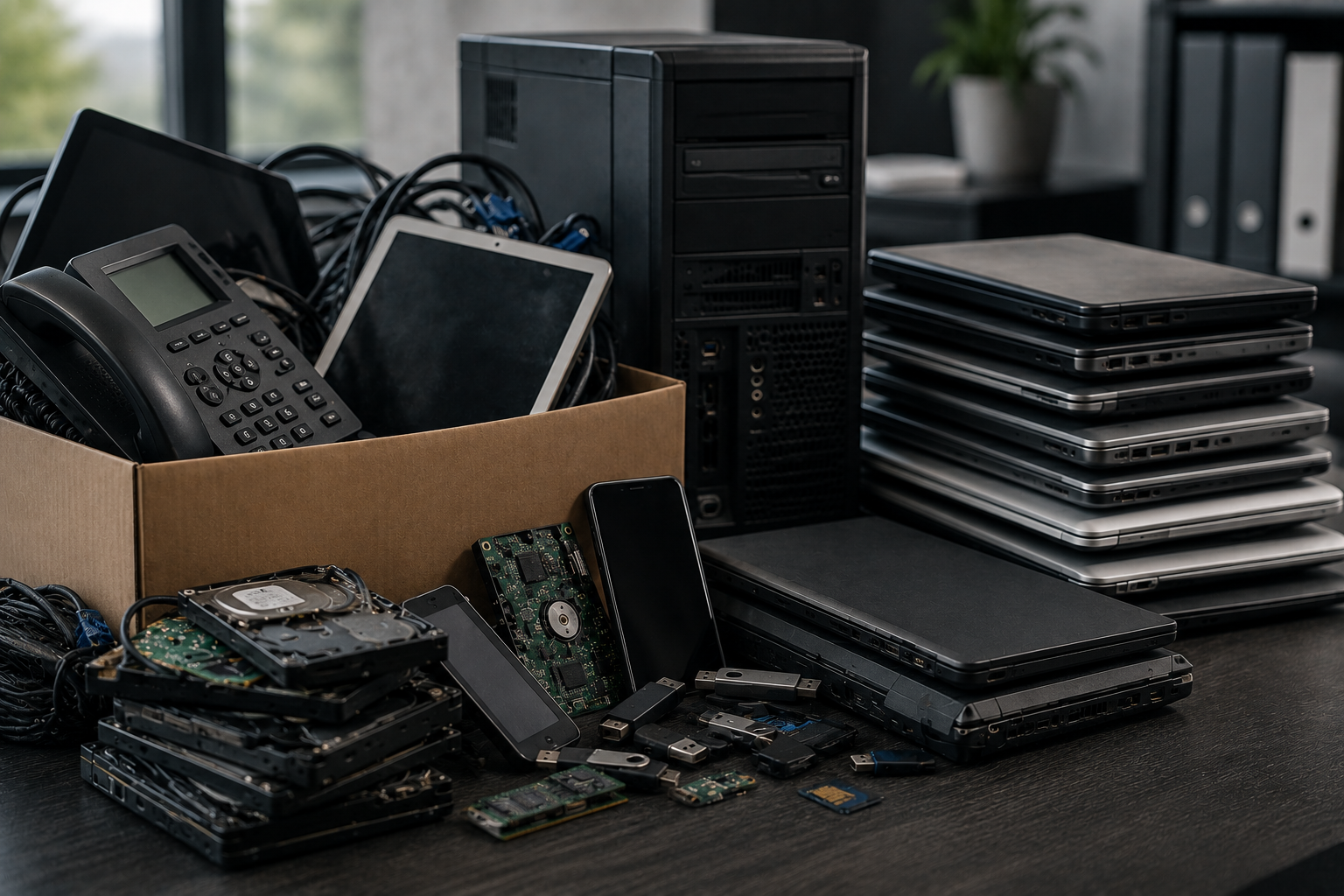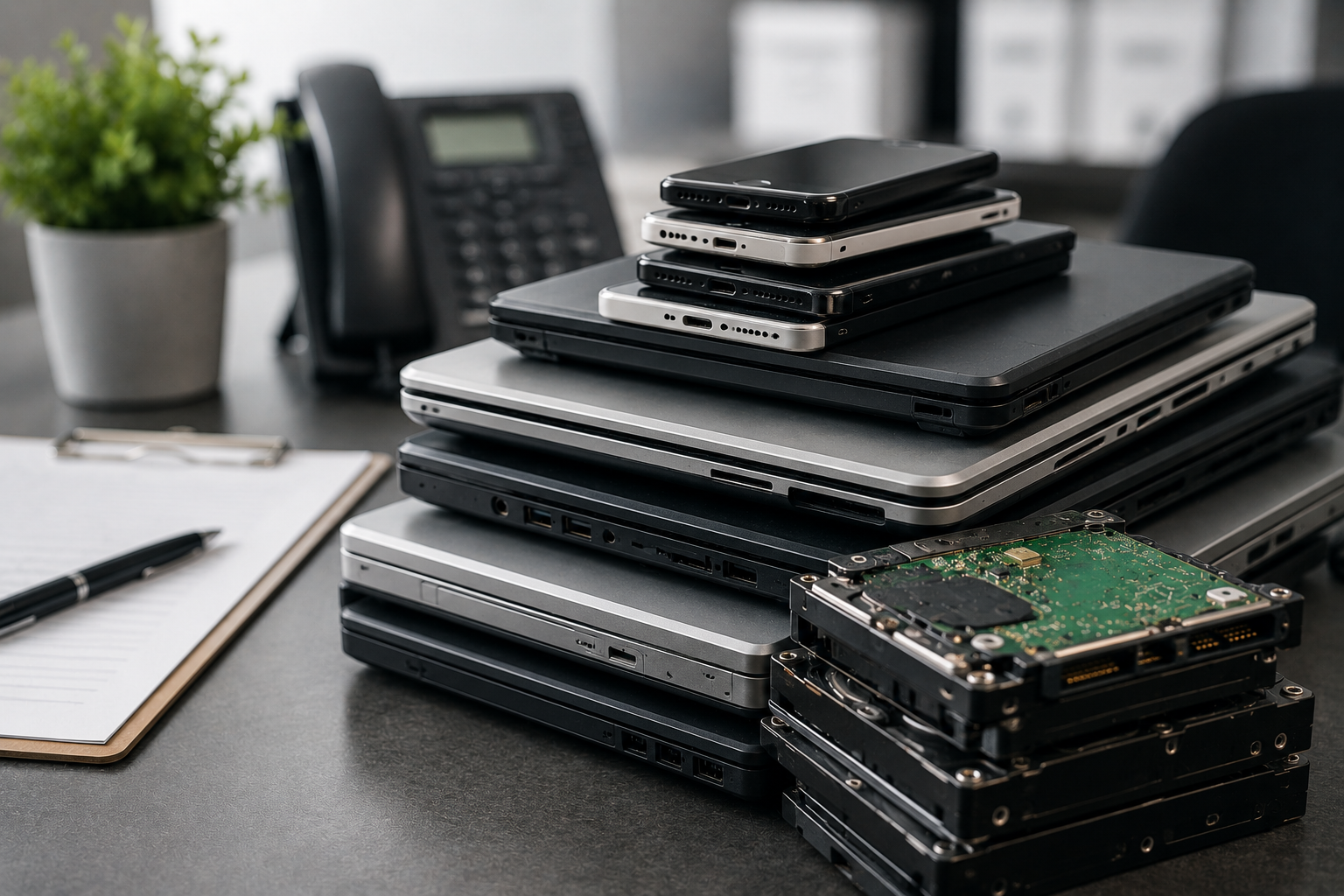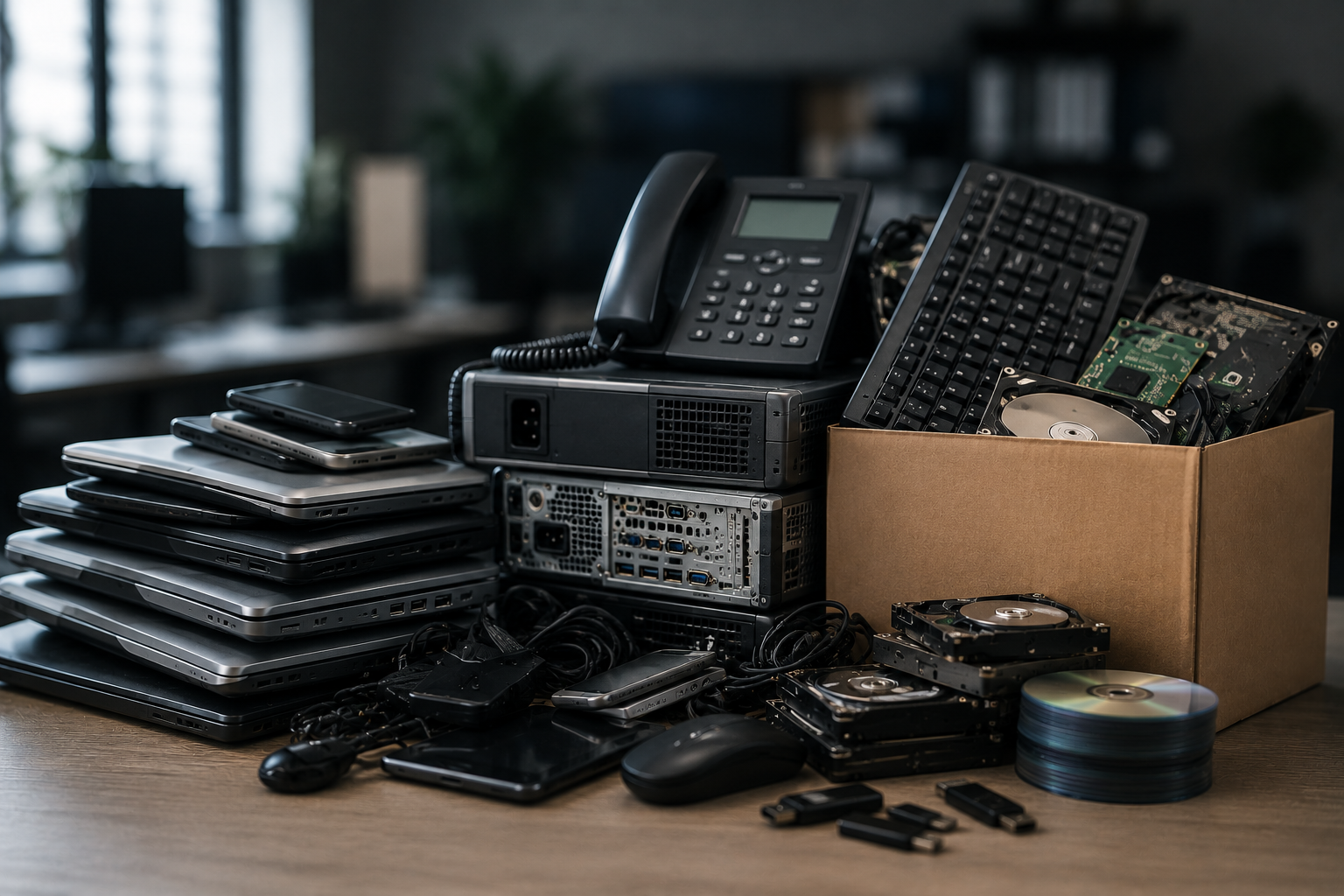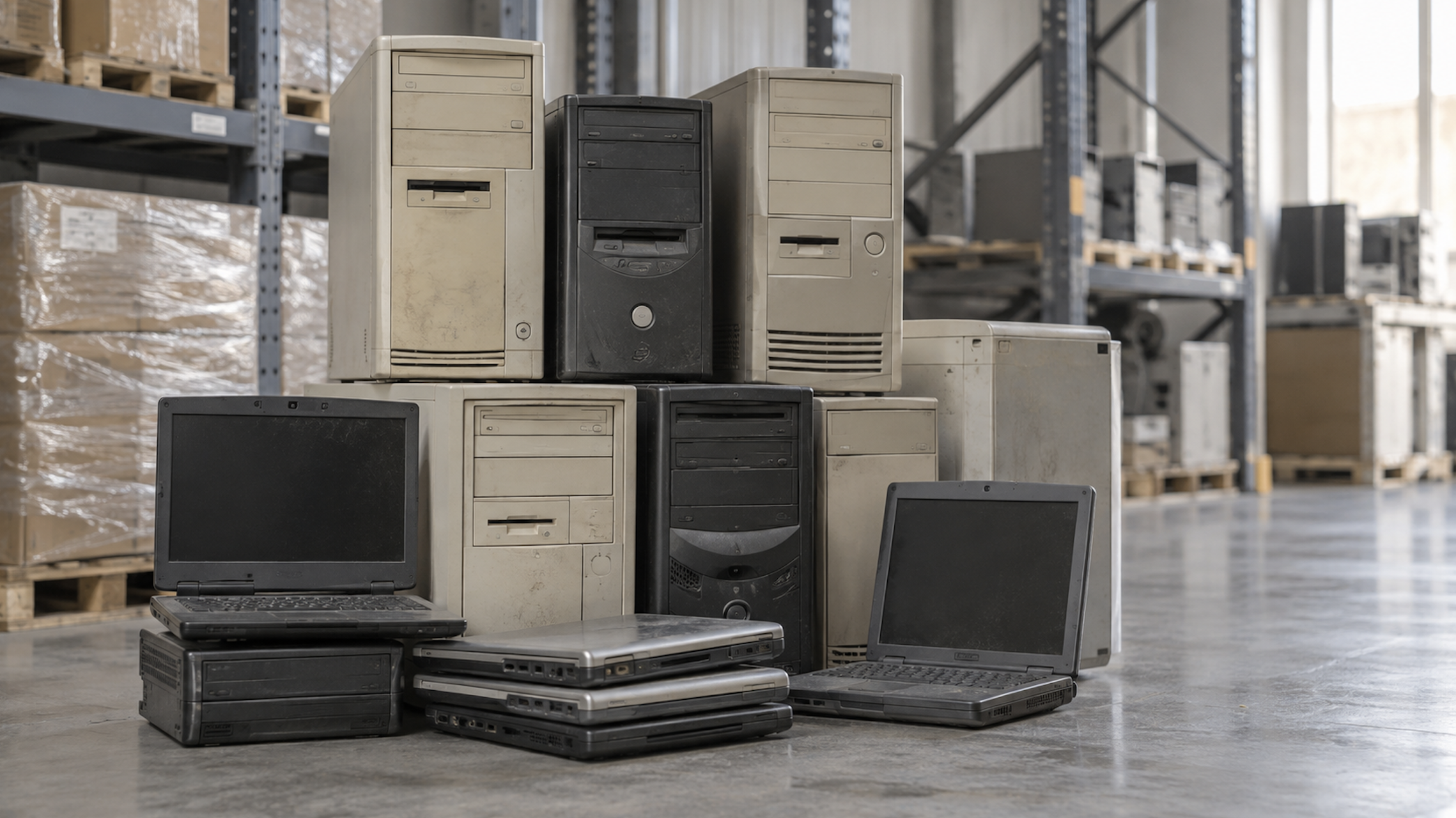
If you’re searching for how to get rid of an old computer, laptop, or hard drive in Nashville, the short answer is: don’t put it out with the trash, and don’t just wipe it and donate it if it ever touched business, financial, or client data. Here’s exactly where to take it and how the process works.
Why an Old Computer Needs More Than a Trash Can
Every computer that’s been used for more than a few months has saved passwords, cached logins, old files, and sometimes years of business or financial records sitting on its hard drive — even after you delete files or run a factory reset. Wiping software and standard resets remove the pointer to that data, not the data itself, which is why secure physical destruction is the standard most businesses (and a lot of careful individuals) rely on before a computer leaves the building for good. If you want the deeper explanation of why a factory reset alone isn’t enough, we cover that in Does a Factory Reset Delete Your Passwords? — this article is focused on the practical side: where to take it and how it works here in Nashville.
Two Ways to Recycle or Destroy a Computer with Richards & Richards
Richards & Richards has been based in Nashville since 1987 and is NAID AAA Certified, the highest certification level in the destruction industry. There are two ways to use the service, depending on how much you have and whether it’s a personal device or an office cleanout.
Option 1: Walk-In Drop-Off (fastest for individuals and small quantities)
You can bring a computer, laptop, or hard drive directly to the Richards & Richards facility with no appointment necessary:
- Address: 1741 Elm Hill Pike, Nashville, TN 37210
- Hours: Monday–Thursday 9am–4pm, Friday 9am–2pm, closed Saturday and Sunday
- Payment: Credit or debit card only
- What to know: Keep computers, hard drives, and other electronics separated from paper when you drop off — they’re routed to different destruction processes on-site. Call ahead for pricing, since it depends on the volume and type of equipment.
This is the same drop-off counter used for walk-in paper shredding, so if you’re already clearing out an office and have both documents and old equipment, you can bring everything in one trip.
Option 2: Scheduled Pickup (better for businesses, bulk quantities, or multiple devices)
For an office technology refresh, a full IT closet clean-out, or any volume too large to drop off, Richards & Richards will collect electronics directly from your location. Pickup includes GPS-monitored transport back to the facility, so there’s a documented chain of custody the entire way — useful if your business needs to show auditors or compliance officers exactly how equipment was handled after it left your building.
Call 615-242-9600 or request an estimate online to set up either option.
What Happens to Your Computer After Drop-Off or Pickup
Data destruction and paper shredding don’t happen in the same part of the facility. Paper shredding happens in the walk-in area, where customers are welcome to watch their documents get shredded in person. Hard drive and media destruction happens in a separate, restricted-access area for security reasons, so that part of the process isn’t open to customer viewing — but it’s tightly documented:
- Scanning and logging. Each hard drive is scanned and logged by serial number before destruction.
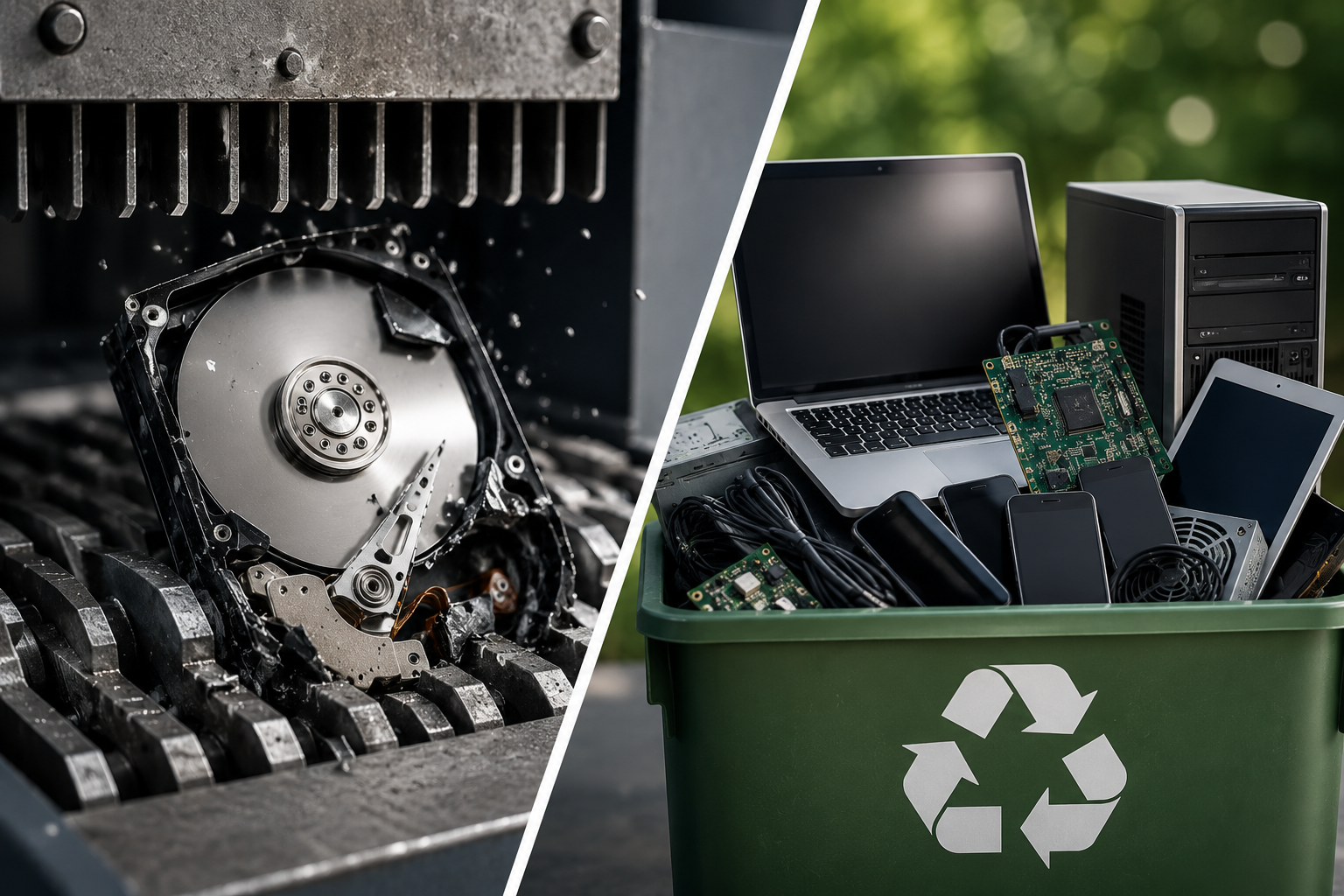
- Physical destruction. Hard drives are crushed and shredded using roughly 20,000 lbs of conical force, which destroys the spindle and shreds the platters. There’s no wiping software or factory reset to reverse, because the physical media the data lived on no longer exists in a usable form.
- Media shredding. CDs, DVDs, backup tapes, and other magnetic media go through a separate dual-shaft shredder that reduces them to fragments that can’t be reconstructed.
- Manual disassembly and recycling. Once data-bearing components are destroyed, the remaining materials are manually disassembled and recycled into new metal and plastic commodities rather than landfilled.
- Certification. You receive a Certificate of Destruction (for hard drives, listing the destroyed drives by serial number) or a Certificate of Recycling, giving you an audit trail for compliance or your own records.
What Devices Are Accepted
Richards & Richards accepts:
- Computer CPUs and towers
- Laptops
- Hard drives and other magnetic media
- Smartphones and mobile devices
- CDs, DVDs, and backup tapes
Quick Answers
Can I drop off an old computer for secure destruction or recycling?
Yes. You can bring computers, laptops, and hard drives to the Nashville facility at 1741 Elm Hill Pike for secure, walk-in destruction — no appointment necessary. Keep electronics separated from paper when you drop off, so each item can be routed to the correct process. If you need broader electronics recycling for larger volumes of equipment, call 615-242-9600 to arrange a pickup and receive your Certificate of Recycling.
Do I need an appointment to drop off a computer?
No. Drop-off is walk-in during business hours. If you have a larger volume that makes more sense as a pickup, call ahead to schedule that instead.
Can I watch my computer or hard drive get destroyed, like I can with paper shredding?
No. Hard drive and media destruction happens in a restricted-access area of the facility for security reasons, so customer viewing isn’t available there. Paper shredding is the only part of the process open to walk-in viewing.
Need to get rid of an old computer, laptop, or hard drive? Call Richards & Richards at 615-242-9600 or get an estimate online — Richards & Richards is NAID AAA Certified for physical hard drive and solid-state device destruction at our Nashville facility.